




Intralinks is one of the original players in the virtual data room market. So is it an experienced leader, or due a refresh? Our reviewer James Dean looked at what users say for the video below. The short version: you cannot fault the security, but the number of options can slow down anyone who does not use it every day.
“Intralinks’ virtual data room gives you that power, as long as the thing you’re trying to make disappear is a document that you shared through the VDR.”
Intralinks review: experienced leader or due a refresh?
 James DeanVDR analyst, VirtualData-Room.com
James Dean on Intralinks: one of the original data rooms, with a security reputation few can match and its Unshare feature, but an interface and range of options that can slow occasional users down.
Unshare: make documents disappear
Unshare is one of the biggest selling points of Intralinks. It lets you take a document back even after someone has downloaded it to their own device: you revoke their ability to open the file.
That is useful when a bidder drops out of the process, or when someone has access they should not have. You remove it immediately, without asking them to send anything back.
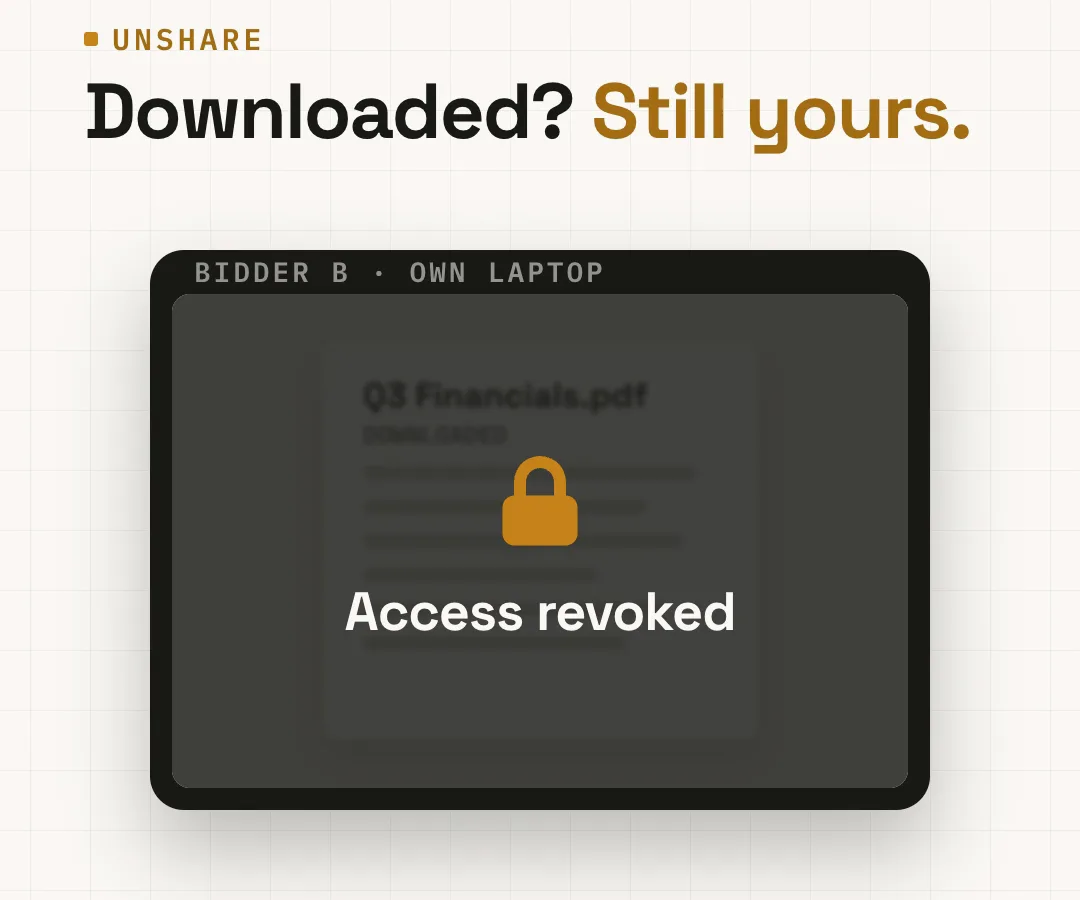
“Even after someone downloads a document, you can revoke their ability to open it.”
Setup for large, complex deals
Intralinks is designed for very large and complex transactions, and it gives administrators plenty of flexibility in how they organise a deal: detailed folder structures, multiple bidder groups, and permissions at a very granular level.
For an experienced deal team that has run many transactions, that is straightforward. A less experienced team may find it hard to get their heads around straight away, though customer support gets strong reviews for its attentiveness.
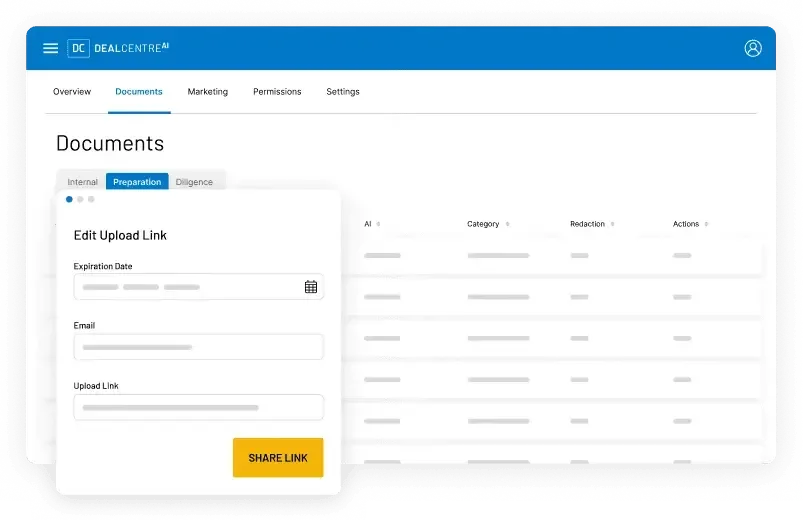
“Customer support, though, does get great reviews for its attentiveness.”
Security: the strongest reputation
Security is where Intralinks has always had one of the strongest reputations in the industry. It offers enterprise-grade encryption, detailed audit trails and granular permissions that let administrators control exactly who can open each folder and document.
Very few people criticise the security of Intralinks at all.
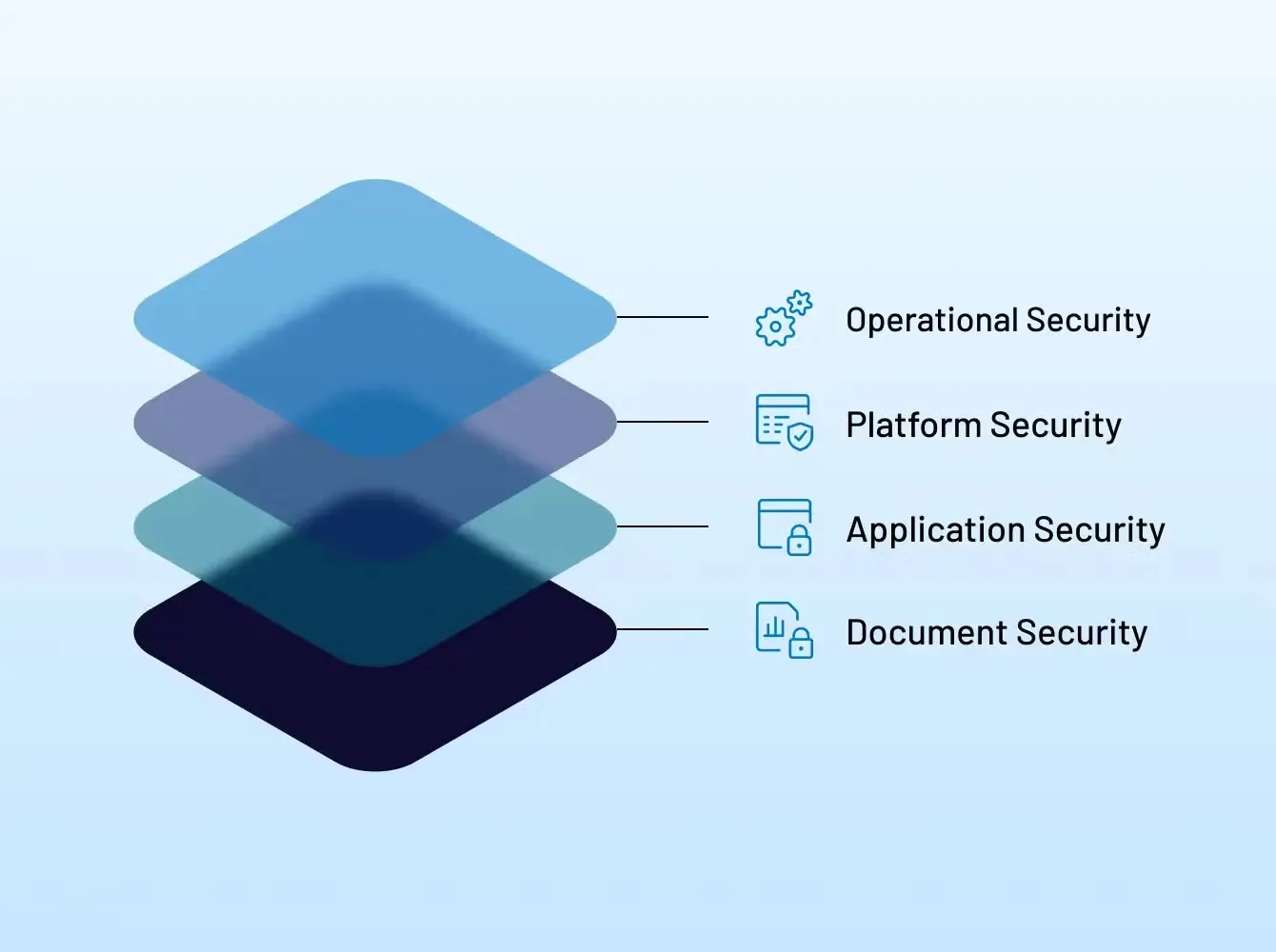
“That’s a real bonus for this VDR.”
Ease of use: opinions are divided
Experienced M&A professionals rate Intralinks highly. They like the amount of control and say it performs well once you have learned how everything works. Occasional users tell a different story.
To many people the interface looks dated next to newer competitors, and reviewers mention a lot of menus and configuration screens. Users do not struggle once they are familiar with it; the hard part is getting a deal going, when there are simply too many options and many people would rather have simplicity.
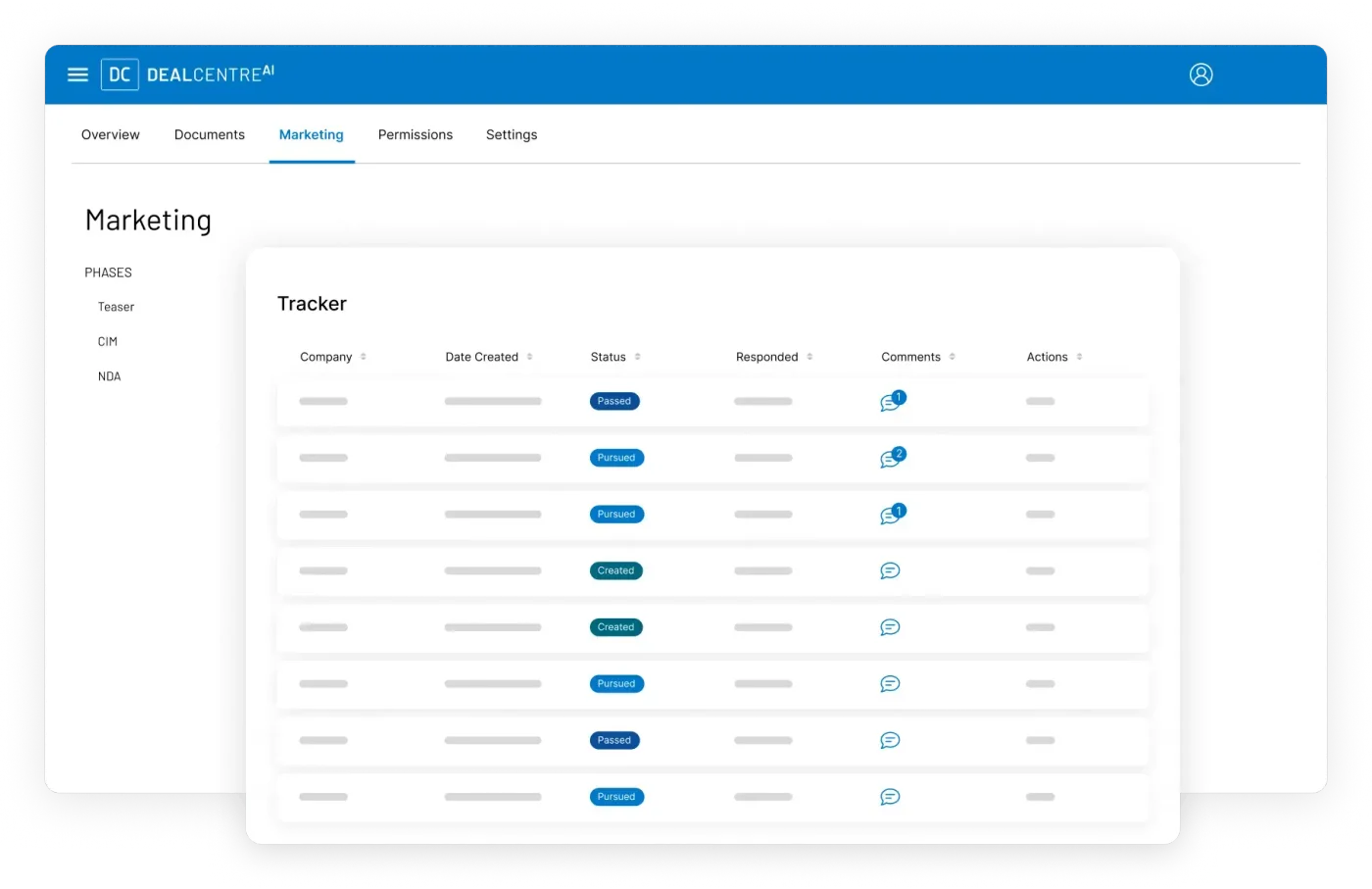
“It’s just that the first part, getting that deal going, there’s just too many options for many people.”
Access controls and analytics
Beyond the basics, Intralinks has a wide range of enterprise features. Access controls are a big strength, with permissions at user group, folder and document level.
Its engagement analytics are well reviewed: you see who is accessing your documents, how often files are viewed and which bidders are most engaged, which helps you prioritise follow-up conversations and the themes to address in them.
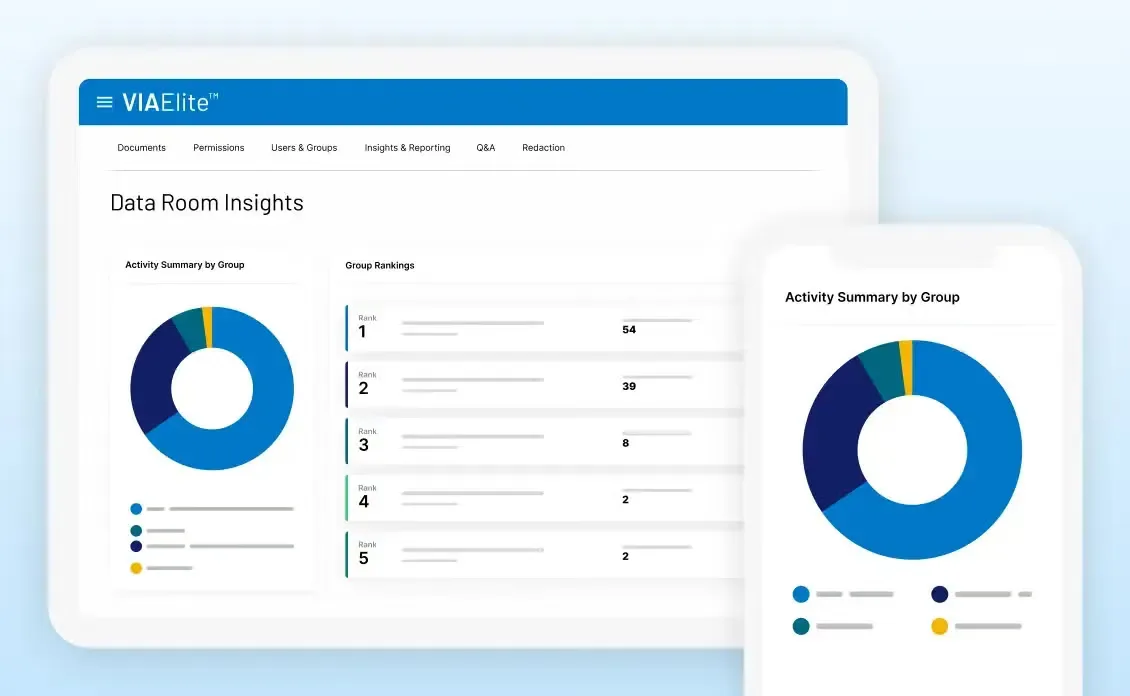
“You can see who’s accessing your documents, how often files are viewed, which bidders are the most engaged.”
Q&A, AI redaction and audit trails
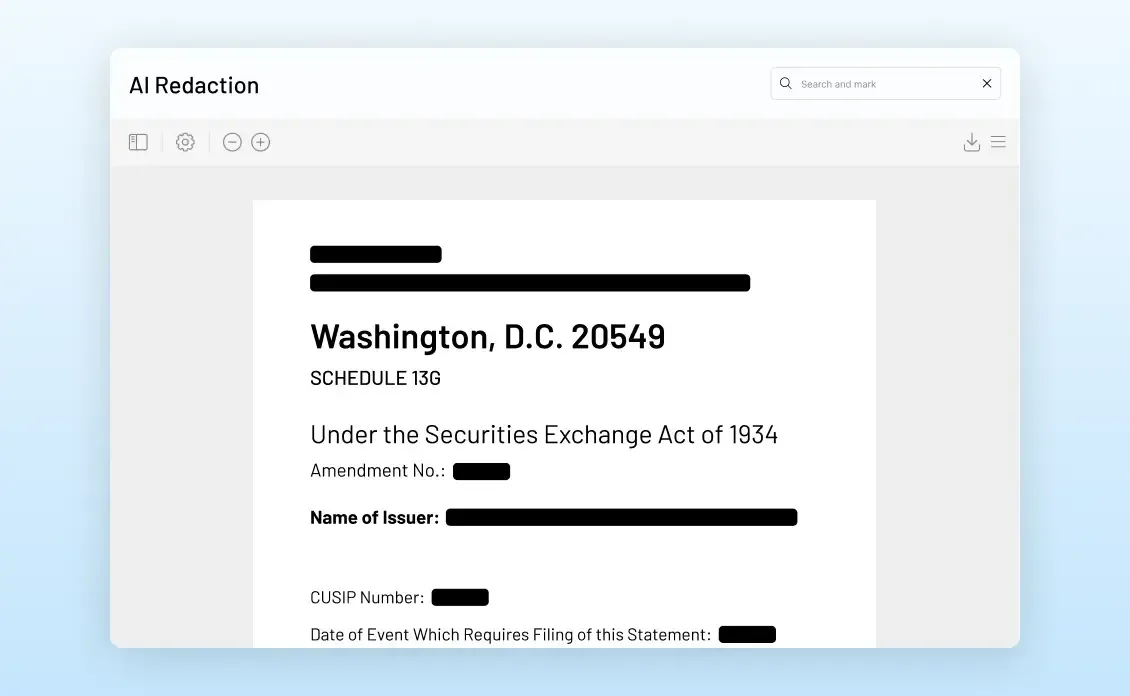
The platform has an integrated Q&A workflow, so buyers and sellers manage their questions securely in the data room rather than over email chains, and AI-assisted tools help with redaction and parts of the due diligence process.
Audit trails are another strength. Every interaction is recorded, giving you a full history of document access and activity, which matters when you have to keep an evidence trail, for example in a regulated industry.
“Each interaction’s recorded, so you get this comprehensive history of your document access and activity.”
The verdict
On security you cannot fault Intralinks, and its reputation is there for a good reason. If you need a deal up and running quickly, though, the volume of options and configuration could slow you down. Many people love being able to tailor it to their exact needs; others just want to get on with it.
Think about occasional users as well as administrators: will your directors, short on time, be able to drop in and do what they need intuitively? For people experienced with data rooms there is a lot of functionality here. For everyone else there is a lot to learn.
“For people experienced in VDRs, there’s a lot of functionality here. For everyone else, there is a lot to learn.”
Full transcript of the video
Everything James Dean says in the video. Search for a word, or click a time to play from there.
Have you ever wanted to be a magician?
Being able to make things disappear immediately.
Intralinks's virtual data room gives you that power as long as the thing you're trying to make disappear is a document that you shared through the VDR.
Unshare is one of the biggest selling points of Intralinks.
It allows you to delete documents even after someone's downloaded them to their own device.
Now, other than that, it's known for being one of the original players in the game.
But does that mean that Intralinks's is an experienced leader in the field?
Or should it have been retired or refreshed a long time ago?
Let's have a look with this VDR review.
We'll start with the setup.
Intralinks is designed to handle very large and complex transactions.
Certainly gives administrators plenty of flexibility in terms of how you organize your deals.
You can create detailed folder structures, you can manage multiple bidder groups, you can configure permissions at a really granular level.
If you're an experienced deal team, that's great.
You've run lots of transactions before, it's gonna be quite straightforward.
If you're not so experienced, this might be quite difficult to get your head around immediately.
Customer support, though, does get great reviews for its attentiveness.
So you might be relying on that, but you should get a positive result.
Security is where Intralinks has always had one of the strongest reputations in the industry.
Offers enterprise grade encryption, detailed audit trails, granular permissions that let your administrators control exactly who can access the folders and the individual documents as well.
And that unshare feature I mentioned earlier, even after someone downloads a document, you can revoke their ability to open it.
So useful if a bidder drops out of the process or someone has access that shouldn't have access to a document, you can just remove it immediately.
You don't have to ask them to send it back or anything.
Very few people criticizing the security of Intralinks at all.
That's a real bonus for this VDR.
Ease of use, not quite as positive.
Opinions are divided.
Experienced M&A professionals generally rate it quite highly.
They like the amount of control available.
They say it performs well once you've learned how everything works.
Occasional users, that is a different story, unfortunately.
The interface seems a little bit dated to a lot of people compared with some of the newer competitors.
A lot of reviewers have mentioned there are quite a few menus and configuration screens to go through.
It makes it less intuitive and less easy to get that deal up and running.
It's not that they struggle to use it once they're familiar with it, it's just that the first part, getting that deal going, there's just too many options for many people.
Many of them they don't find important.
And a lot of people prioritize simplicity.
Beyond the basics, Intralinks has got a wide range of enterprise features, access controls.
That's a big strength.
You can manage permissions at user group, folder, and document level.
Reporting engagement, their analytics really positively reviewed.
You can see who's accessing your documents, how often files are viewed, which bidders are the most engaged.
Really good if you want to prioritise follow up conversations and work out what themes you should be.
Addressing in them.
The platform also has an integrated Q&A workflow.
Buyers and sellers can manage their questions securely in the data room rather than relying on email chains.
And the AI assisted tools help you with redaction and parts of the due diligence process as well.
Audit trails, that's another area where Intralinks does well.
Each interaction's recorded, so you get this comprehensive history of your document access and activity.
Really important for transactions where you have to maintain that evidence trail, maybe if you're in a regulated industry or something like that.
Overall, security wise, you cannot fault Intralinks.
It's got a massively strong reputation for a really good reason.
If you need to get a deal up and running quickly, though, the volume of options and configurations could well slow you down.
Many people love the fact that they can tailor it to their exact needs.
Others just want to make it happen, and you have to consider occasional users as well, not just administrators, people like your directors, for instance.
Are they going to be able to use it intuitively?
If they've got very little time, but they need to drop in and carry out their duties in the VDR.
For people experienced in VDRs, there's a lot of functionality here.
For everyone else, there is a lot to learn.
So you need to bear that in mind when you're picking your VDR.
Generated automatically from the video, so it may contain errors. Play the video to confirm wording.
Frequently asked
What is Intralinks Unshare?+
A feature that revokes someone’s ability to open a document, even after they have downloaded it to their own device.
Is Intralinks secure?+
Yes. It has one of the strongest security reputations in the industry: enterprise-grade encryption, detailed audit trails, granular permissions and Unshare.
Is Intralinks easy to use?+
Experienced deal teams rate it highly once they know it. Occasional users often find the interface dated, and the number of menus and options slows them down at the start.
Who is Intralinks best for?+
Experienced teams running large, complex or regulated transactions who value control and security. Teams that need a deal running fast, or that rely on occasional users, should compare simpler options.
Does Intralinks have AI features?+
Yes. AI-assisted tools help with redaction and parts of the due diligence process.
Answer six quick questions and we will match you to the right virtual data room.